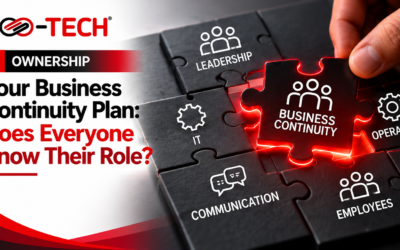
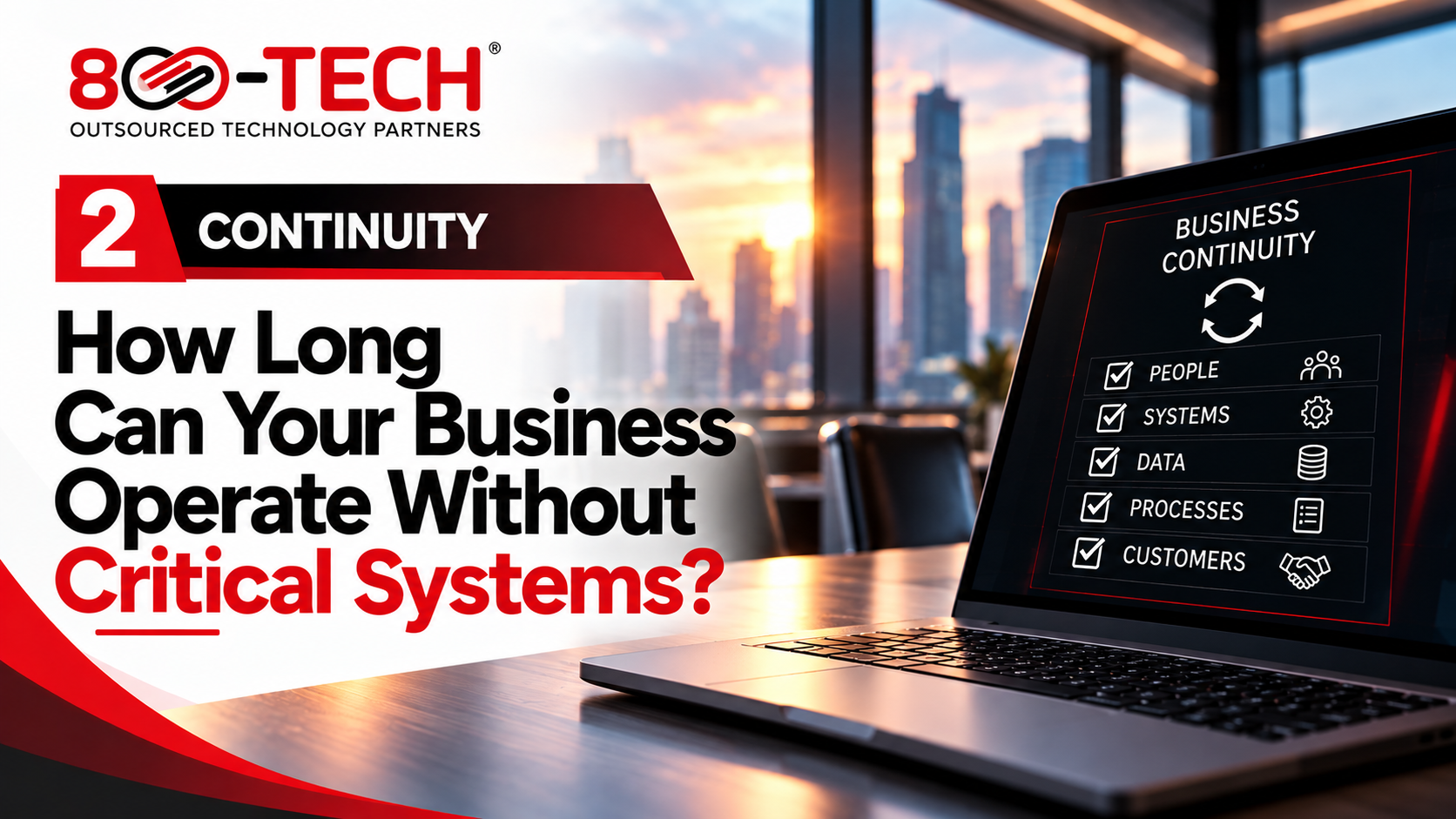
Which critical systems keep your business operating?
Imagine a Caribbean manufacturer whose production scheduling system becomes unavailable during a busy delivery week. Employees may still arrive at work, yet orders, dispatch and customer commitments quickly suffer. When critical systems go offline, the impact can quickly extend across the entire business. Business continuity planning begins by identifying these dependencies before they fail. At the webinar, Scofield Thomas urged executives to name their operational crown jewels: Enterprise Resource Planning (ERP) platforms, manufacturing applications, customer records and other essential systems. Similarly, Junior Gilpin explained that risk assessments help leaders see vulnerabilities that daily IT work may overlook.
Set an acceptable downtime before choosing technology
A recovery plan cannot succeed if it restores a critical system after the business has already exceeded its tolerable interruption. Therefore, operations, finance and IT should agree on how long each process can remain unavailable.
Recovery Time Objective (RTO) describes the target time to restore a service. Recovery Point Objective (RPO) describes the maximum tolerable period of data loss measured in time. For example, an organization may target four hours to restore ordering while tolerating no more than one hour of lost transaction data. These are business choices that shape technical investment.
Calculate the operational consequences of an outage
Marcela Coronell asked leaders to consider the cost of a single hour of downtime. A hotel might lose access to reservations, a financial institution could interrupt transactions, and a manufacturer might miss shipment deadlines. Moreover, a seasonal event business may never recover sales lost during its peak weekend.
Estimate the people unable to work, orders delayed, contractual exposure and customer communication costs. Although the estimate will not be exact, it helps management distinguish an inconvenience from a business-critical disruption.
Three business continuity planning actions
First, build a prioritized inventory of systems and the business processes they support. Second, agree on RTO and RPO targets with process owners and compare those targets against actual backup and recovery capabilities. Third, conduct a supervised recovery exercise and document whether the organization met its targets.
If the recovery test takes twelve hours but operations can tolerate only four, the gap requires an explicit management decision. Additionally, plan temporary manual workarounds where practical.
Is a backup the same as a continuity plan?
No. Backups protect recoverable copies of information, while a business continuity plan addresses people, processes, suppliers, communications and the ability to keep serving customers. Consequently, organizations need reliable data recovery and workable operational alternatives.
For further guidance, see the related articles on cyber incident response and the cost of business downtime.
What recovery targets mean in everyday business terms
An RTO is not a promise that a system will always return within a specified time. Rather, it is a recovery target that the organization should support with suitable technology, staffing and testing. An RPO also requires a practical conversation: if a business restores yesterday’s data, how many orders, invoices or customer updates might it need to reconstruct?
These questions should involve the people who use the systems. A sales manager may tolerate a brief interruption to reporting, while a dispatch team may need near-continuous access to shipment information. Consequently, one universal recovery target rarely reflects the importance of every process.
Make the recovery exercise realistic
A successful backup notification does not prove that employees can resume business. During a recovery exercise, teams should confirm that the restored application opens, that authorized users can sign in, and that the information is usable. They should also record how long the process took and whether essential data remained intact.
For instance, a hotel may recover its reservation database but still struggle if front-desk staff cannot reach guests or process arrivals. Likewise, a manufacturer may restore its ERP but lack access to shipping labels or supplier contacts. Testing the complete workflow exposes dependencies that a technology-only test can miss.
Questions to take into your next leadership meeting
- Which three systems would stop revenue or customer service if unavailable?
- Do actual recovery tests meet the downtime and data-loss limits approved by operations?
- What manual alternatives can sustain the business while systems recover?
For a practical starting point, leadership can review the webinar: Before the Breach
For more information on our services and strengthening your organization’s security posture, call 223-TECH (223-8324) or click the link to schedule an assessment.